The desktop environment built with Fyne has a new name and a big new release! FyneDesk is now called Tyde, it lives with the FyshOS project, and version 0.5 is the largest update we have made to it. Read on for the highlights and some screenshots.
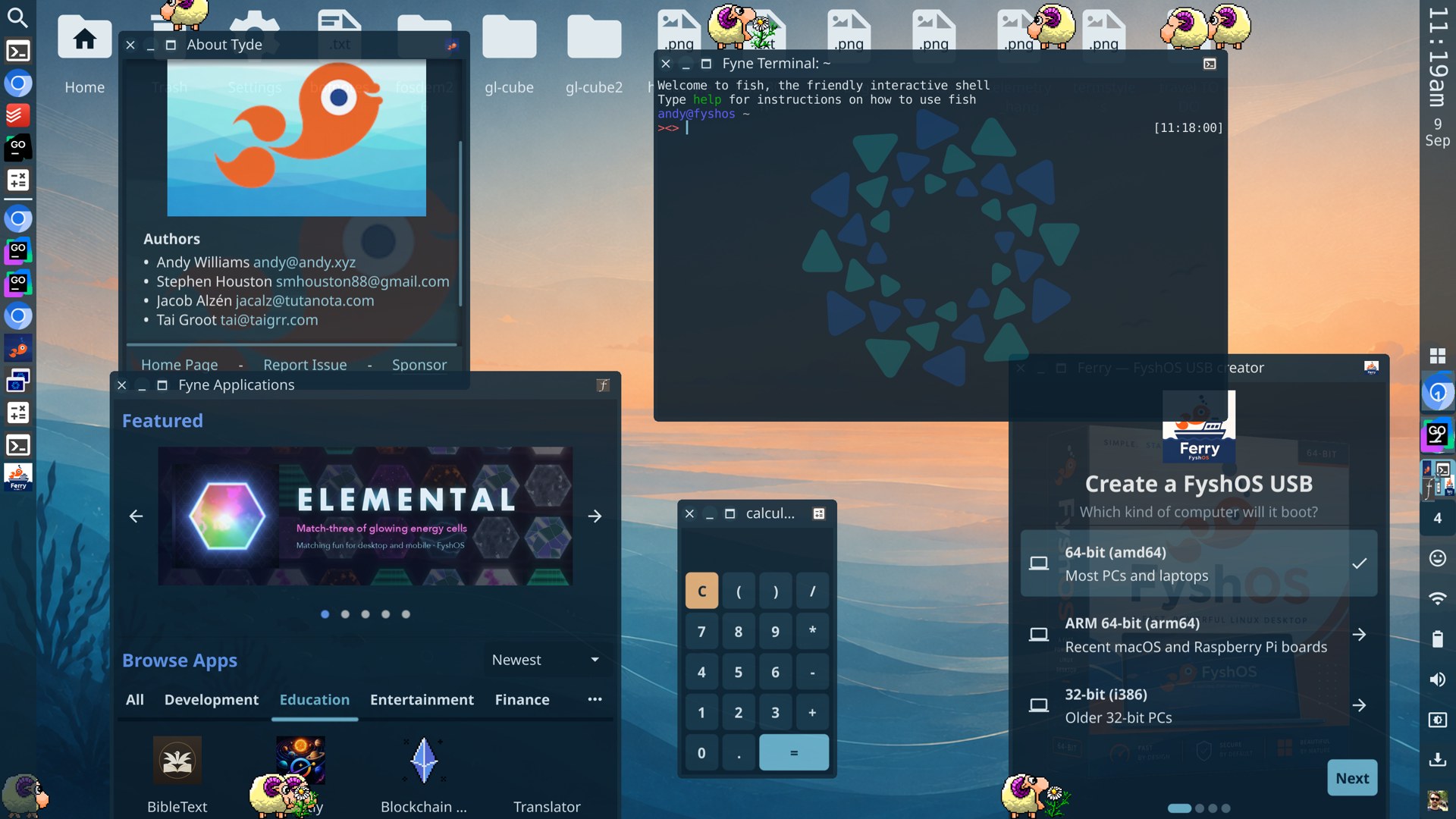
A compositor written with Fyne#
The headline change is under the surface - Tyde now includes its own compositor,
written with Fyne, which replaces the external compton dependency.
This is what brings the new visuals in this release:
- Window shadows and rounded corners
- Blurred backgrounds behind overlays and menus
- 3D transitions when switching desktop
- Change the opacity of any window with meta + mouse scroll
It is also a lot faster - window dragging, animation and repainting have all seen large performance improvements, helped by the move to Fyne 2.8 and its new threading model.
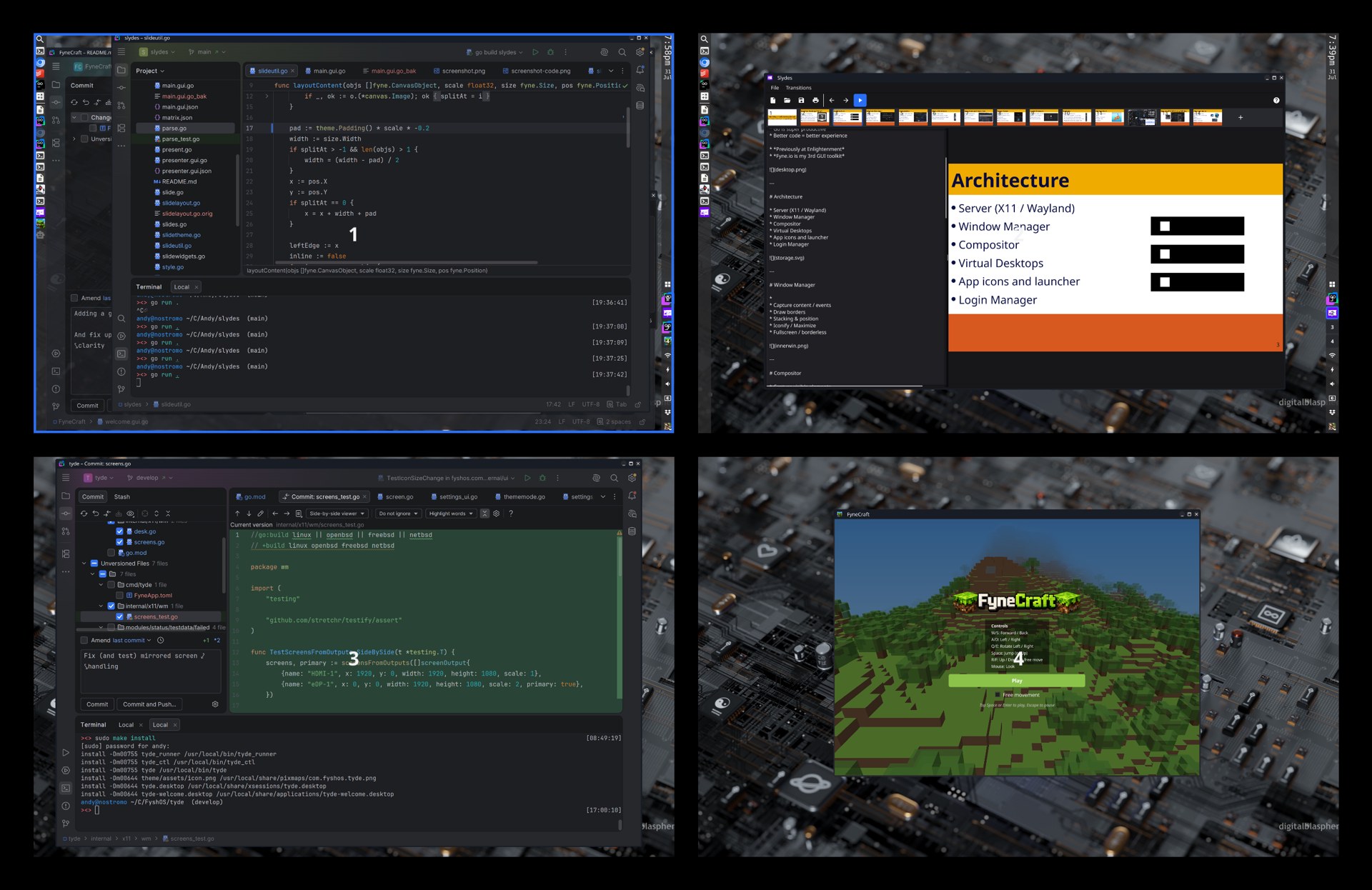
More room to work#
Virtual desktops are far more flexible in this release. You can choose how many you would like and optionally give them names, pin windows so they stay in place as you move between desktops, and use the new “zoom out” overview to see all of your windows across every desktop at once. Your window positions and selected desktop are now remembered across a restart as well.
Settings, welcome and a new look#
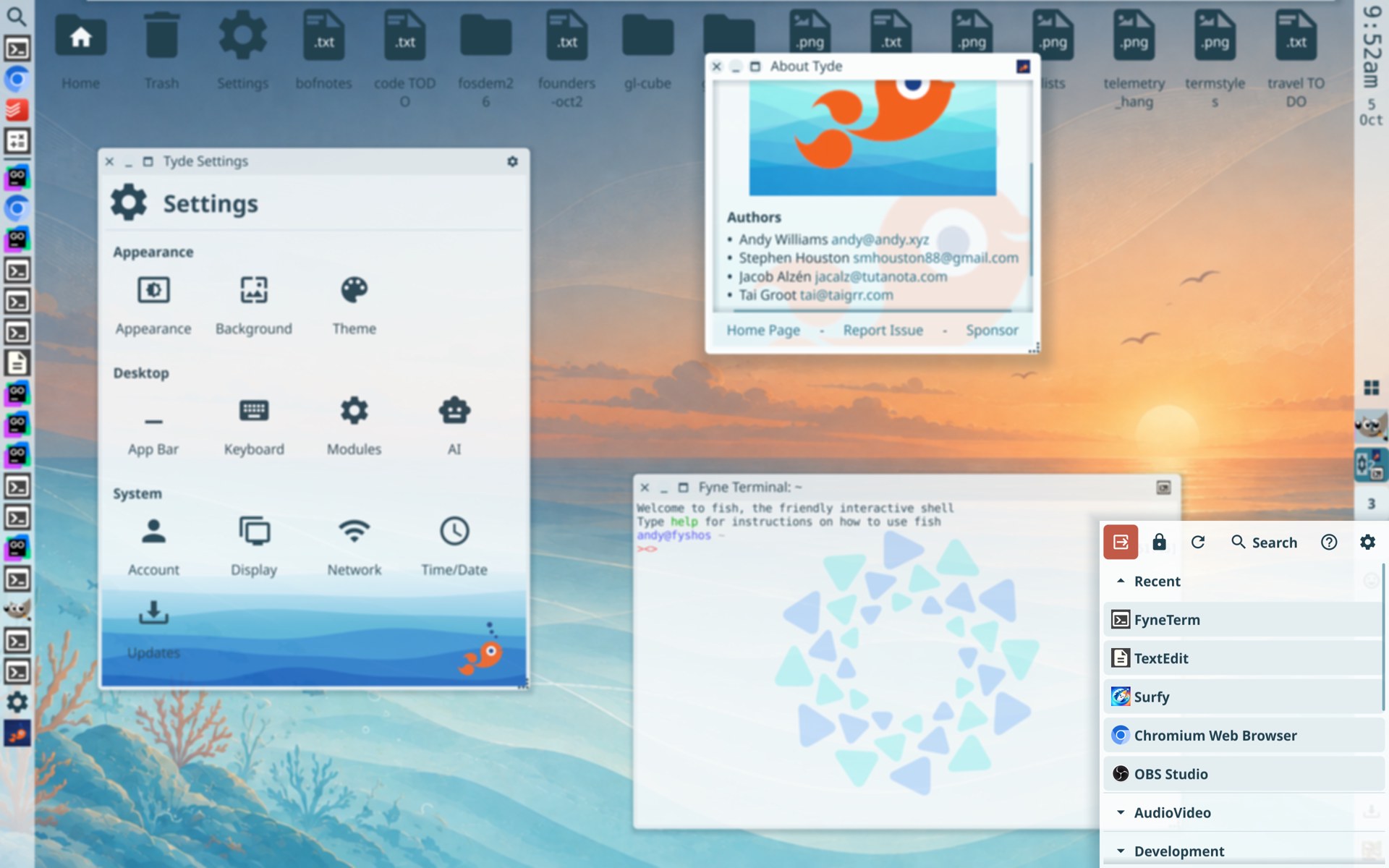
Settings have been redesigned with a “home screen” layout, and appearance changes now apply immediately. There are new sections for managing accounts (including fingerprint enrolment), software updates, and date, time and timezone. New users are greeted by an animated welcome screen that helps with network setup, and everyone gets a new beach themed default wallpaper.
Lots of new modules#
The module system has grown a lot since 0.4, here are some of the additions:
- Fathom - an AI assistant with tabbed chats, support for local AI and tools provided by other modules
- Desktop Files - Home, Trash and Settings icons on the desktop
- Emoji picker and an on-screen keyboard for tablet usage
- Launcher additions including unit conversion, large type, QR codes and web search
- Flames, Christmas, eSheep and Sloth modules for a bit of fun
There is also a new tyde_ctl tool for controlling the desktop from scripts or the command line -
launching apps, switching desktop, managing windows and more.
Try it out#
The easiest way to add Tyde to a Debian compatible system is from the FyshOS package archive. Follow the quick start at packages.fyshos.com to add the source to apt, then install the desktop with:
sudo apt install tydeOr, if you have Go and the Fyne dependencies installed, you can build it from source and set it up as a desktop session with the following commands:
git clone https://github.com/fyshos/tyde
cd tyde
make
sudo make install
Either way, log out and you will find Tyde in the session list of your login manager. Alternatively you can try it as part of the complete FyshOS distribution.
The full list of changes is available in the changelog and on the releases page.
Thank you#
A huge thanks to everyone who contributed code, testing and feedback to this release.
If you would like to get involved then come and say hello in the #tyde channel on the
Gophers Slack or the Fyne discord, or head over to the project on GitHub.